
Support videos
How to Set Up Automatic Payments on the Portal
Scrambling to pay your bill last minute? With automated payments, you can set it and forget it! Learn how to set it up online today!
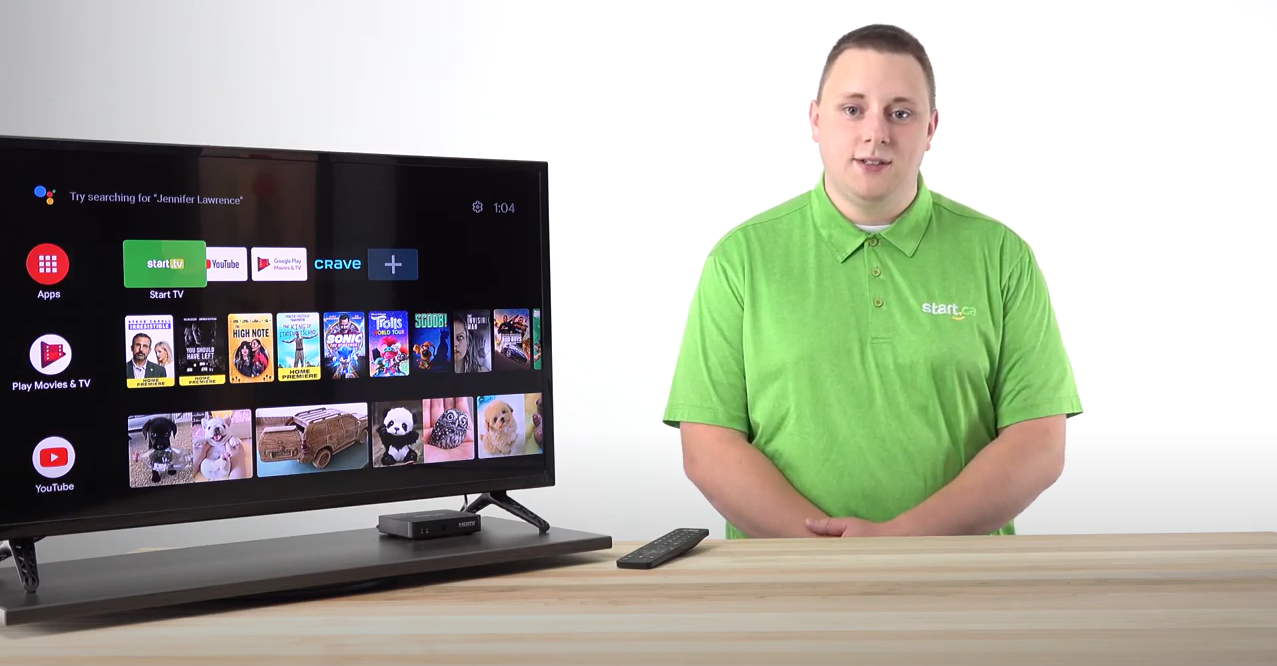
How to Uninstall and Update
Not sure if your Start TV set-top box needs a software update? Our amazing Customer Experience Group Expert, Daven, is here to take you through the steps of installing new updates and how to uninstall them.
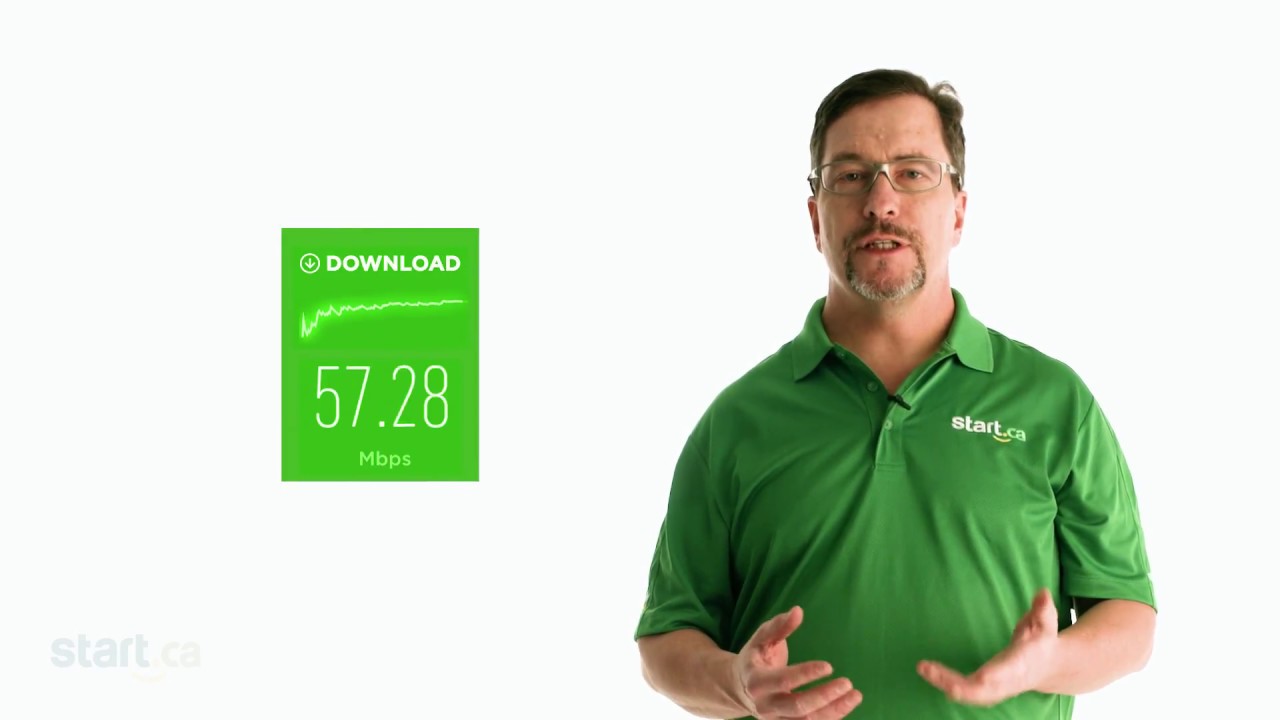
Test your Internet Connection Speed
Experiencing slow internet? Taking a free, online speed test can provide you (and us) a lot of helpful information. Keith, from the Start.ca service desk explains.

Internet Issues? Try Power Cycling Your Devices
“Have you tried turning it off and on again?” – Why do we say that? Because. It. Works… And here’s Jacob from the Start.ca service desk to explain why.
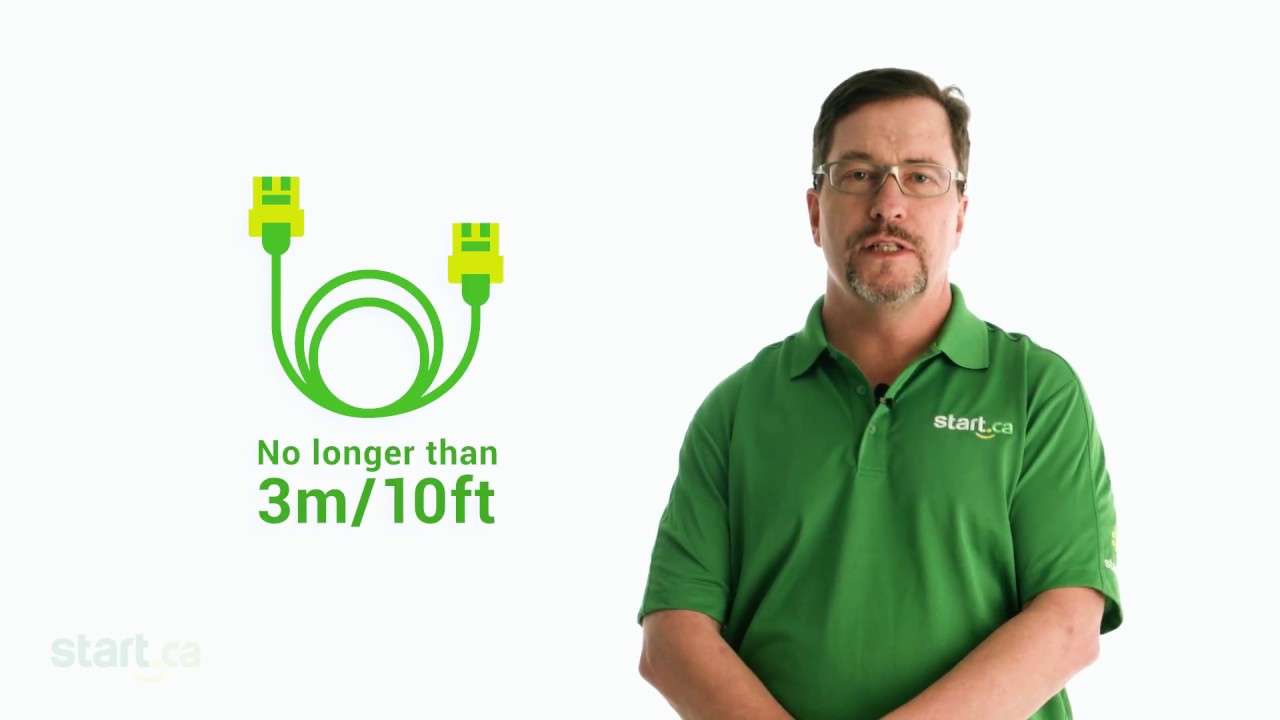
Troubleshooting Slow Internet Speeds
Slow internet? The fix might be easier than you think. Keith, from the Start.ca service desk goes over some of the things you can check right away.

Understanding Your Cable Modem Lights
Understanding what each LED on your cable modem does can help you diagnose internet connection issues. Michelle, from the Start.ca service desk explains!
Secure your WiFi and Router
Securing your router (and WiFi access) are critical steps when configuring your network. Jacob, from the Start.ca service desk shows you how.
What is a Router?
In this support video, Stacey from the Start.ca service desk explains the role a router plays in getting your devices connected to the internet.
Why you Should Use a Separate Modem and Router
Keith from the Start.ca service explains the advantages of using a separate modem and a separate router to get the best from your home network.
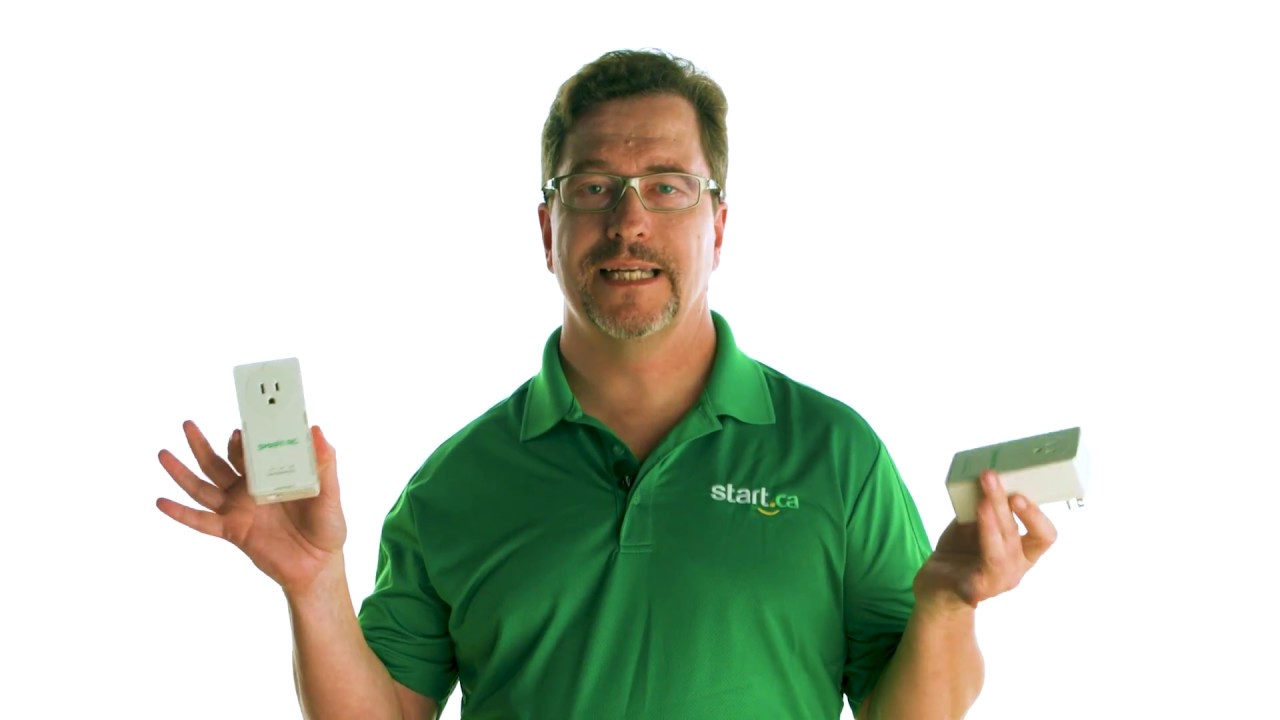
Powerline Network Adapters / PLC Adapters
If you need to extend your home network, consider using powerline network adapters that use of your home’s existing internal electrical wiring. Keith from the Start.ca service desk explains.

How to Switch your Internet to Start.ca
Thinking of switching your internet provider? Stacey from the Start.ca Service Desk is here to show you how easy it is, and how we can help.
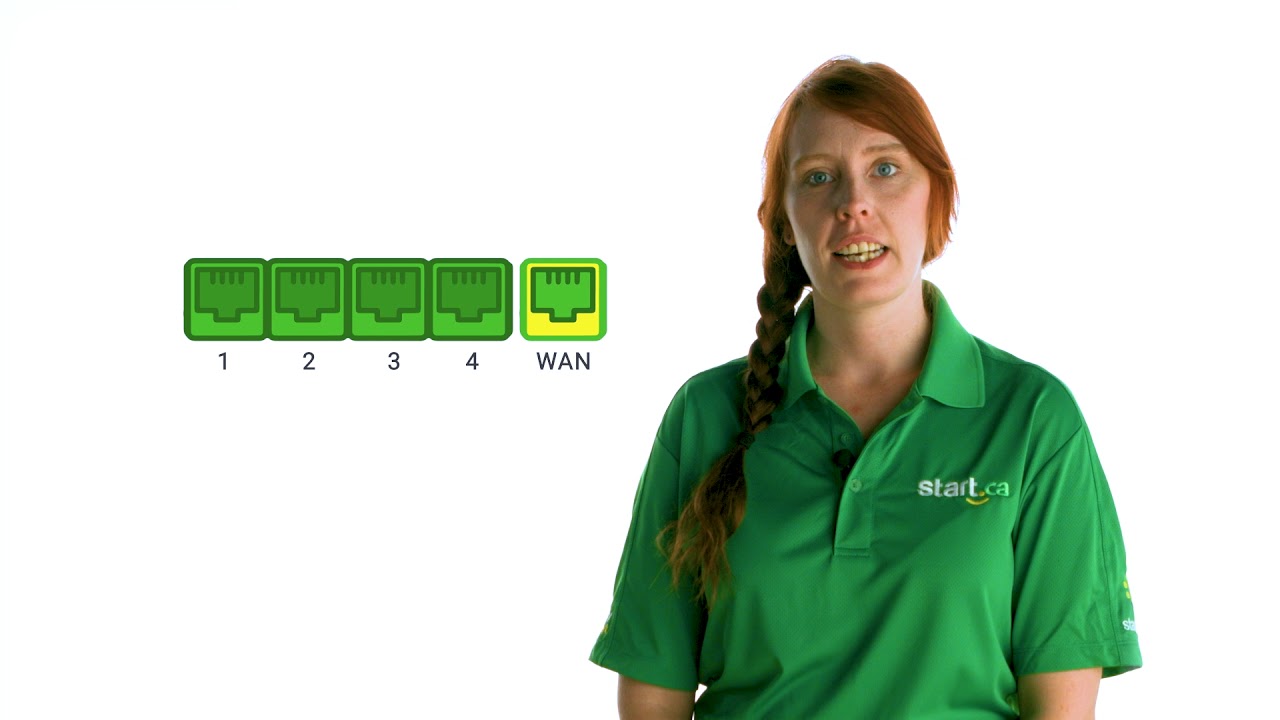
Cable Modem Unboxing and Setup
Join Stacey from the Start.ca service for a look at what you’ve received (or will receive) as a new Start.ca cable internet customer.
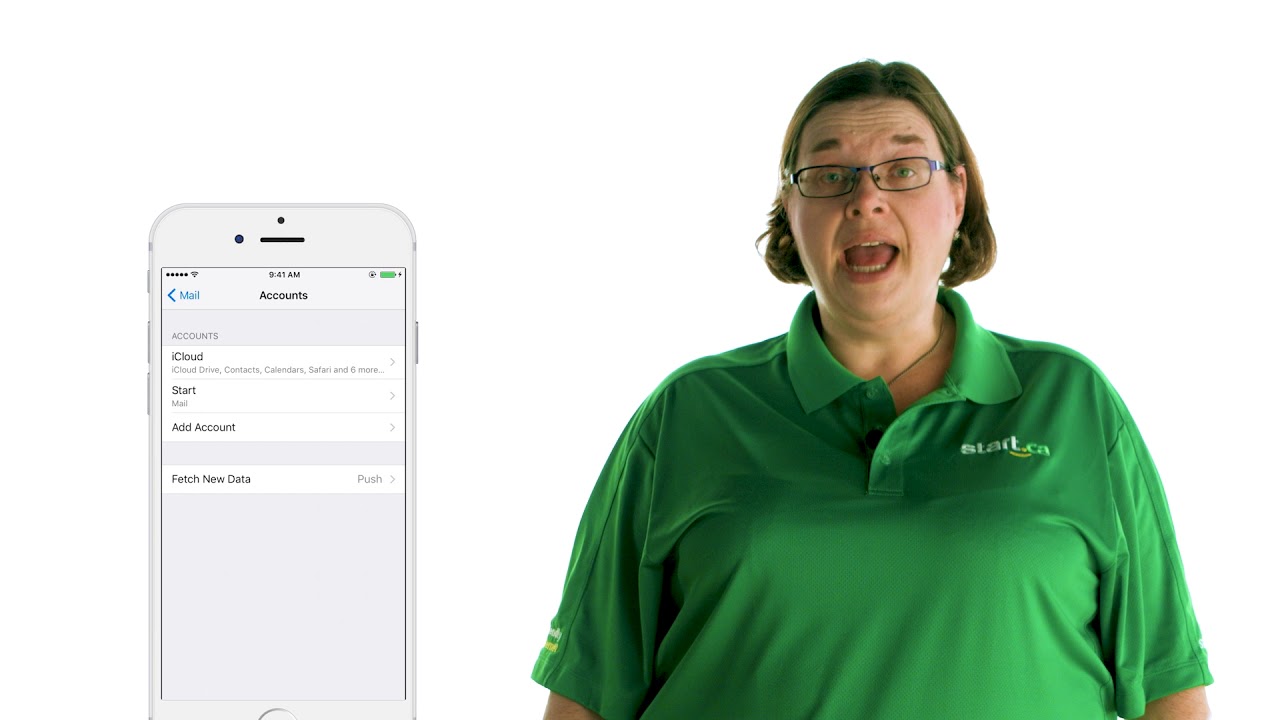
How to Set Up your Start.ca Email Address on your Phone
Need help setting up email on your mobile device? Join Michelle from the Start.ca service desk as she takes you through each step (with easy to follow screenshots).

Payment options for our Customers
At Start.ca we offer a number of different payment methods. Michelle from our service desk talks about the options our customers have.
How to Change your Portal Password
Changing your Start.ca portal password is a simple and quick thing to do. Michelle from the Start.ca service desk explains.
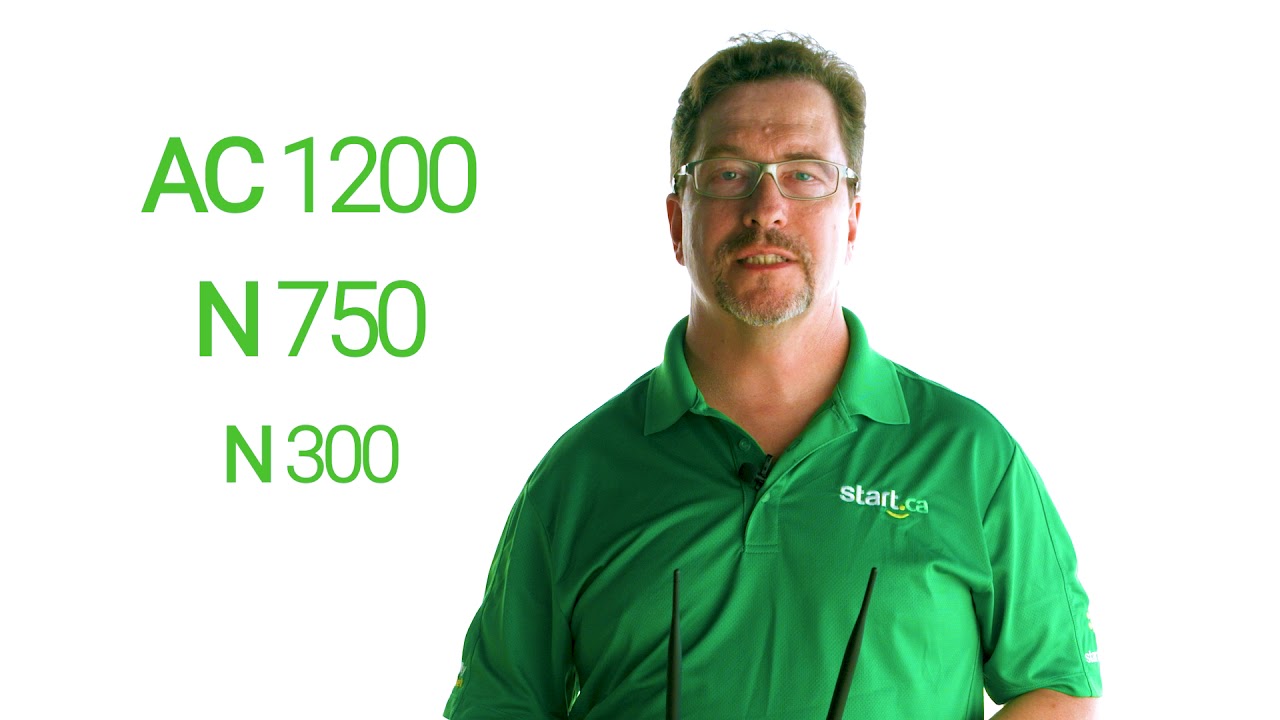
What to Look for in a Wireless Router
Wireless routers make connecting your devices to the internet easy. But how do you know which one is best suited for you? In this Start.ca support video, Keith from our service desk helps get to the bottom of this common conundrum.
Portal support:

How to Set Up Automatic Payments on the Portal
Scrambling to pay your bill last minute? With automated payments, you can set it and forget it! Learn how to set it up online today!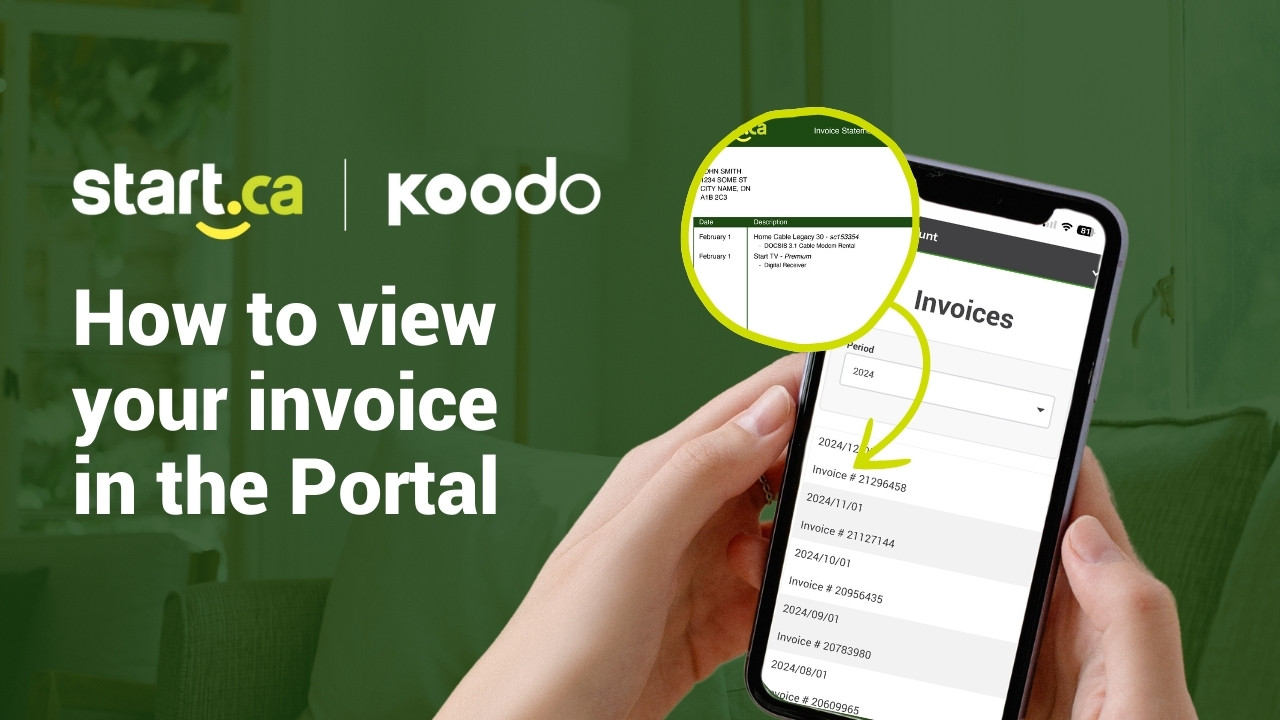
How to Access Your Invoices
Need invoices for tax time or record-keeping? Watch our support video to see how you can easily access and download them through our "My Account" Portal.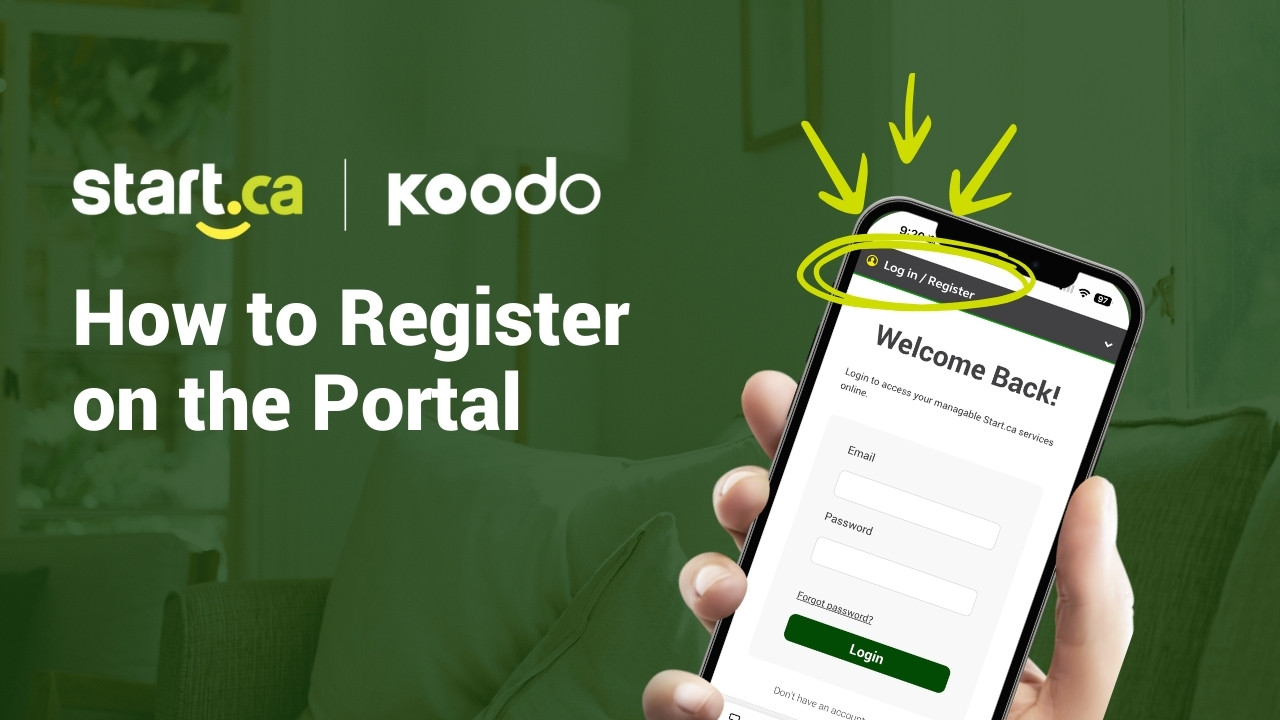
How to Register on the “My Account” Portal
Registering your account on the "My Account" Portal is quick and easy. Watch our support video to get started online now!Legacy products:

Understanding Your DSL Modem Lights
Knowing what each LED on your DSL modem indicates can help you identify a connection issue. In this Start.ca support video, Stacey from our service desk explains.
VoIP vs. Regular phone service
Considering the switch from a traditional landline telephone to VoIP telephone? Jacob from the Start.ca service does a quick comparison of the two.
How to Change Your Email Password
Changing your Start.ca email password is quick, and simple. Stacey from our service desk shows you how to do it in just a few easy steps.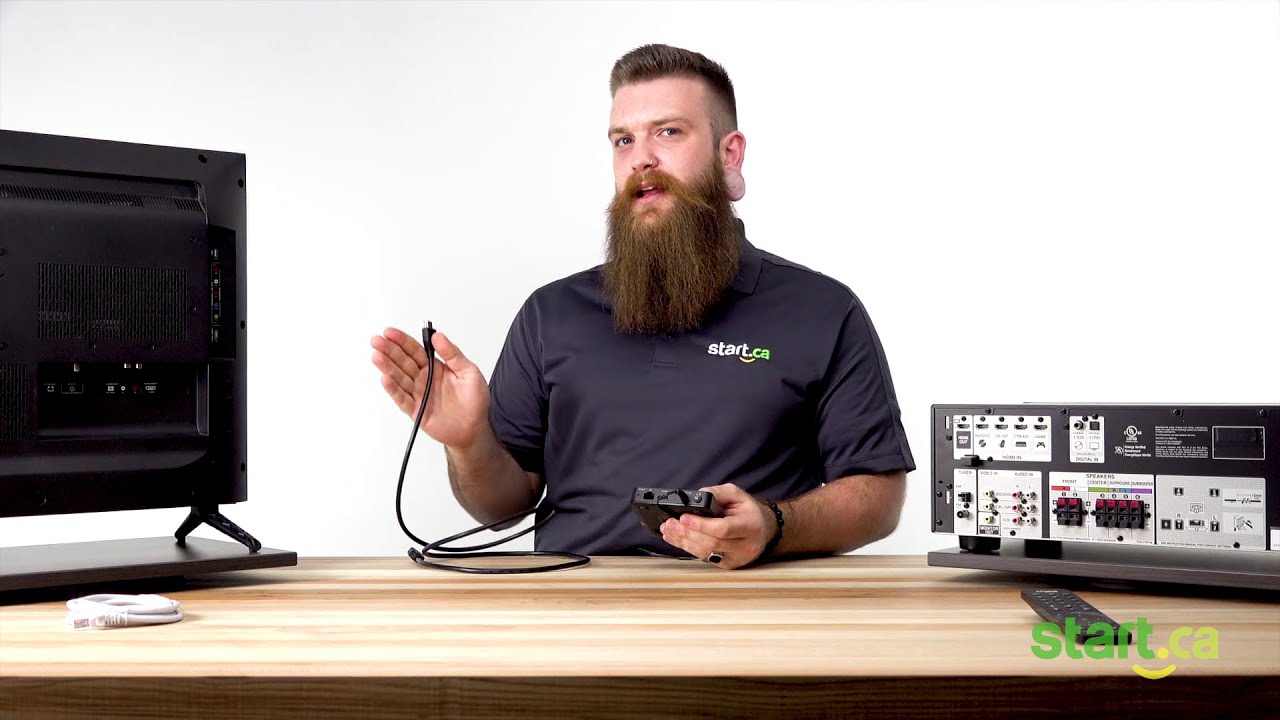
Connecting your Start TV hardware
Would you like to know how to easily connect your new set-top box (STB) to your TV or home theater system? Say no more, Cormac, from the Start.ca Service Desk is here to save the day and get you on your way with a quick step by step guide.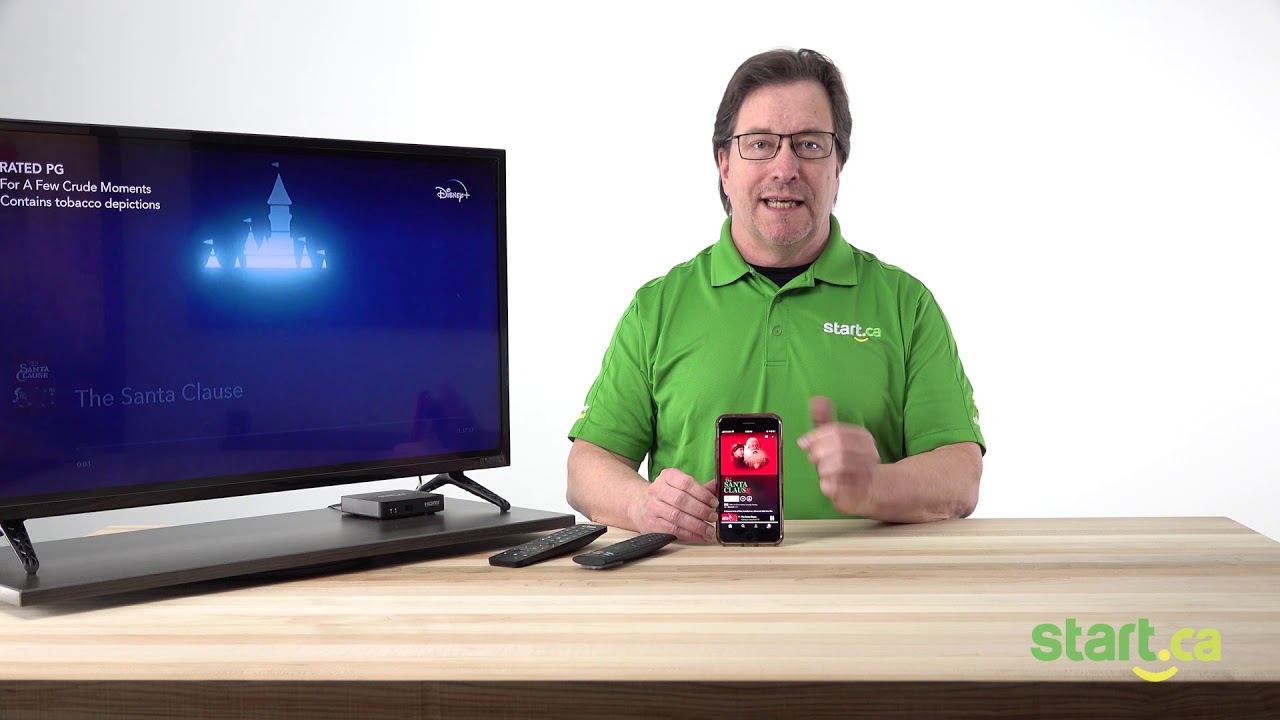
How to Chromecast Disney Plus
Start TV makes it easy to watch your favourite shows or movies on Disney+! You don’t even need any additional hardware or cords. Our Customer Experience Group Specialist, Keith, will take you through this quick and easy tutorial on how to Chromecast Disney+ to your set-top box.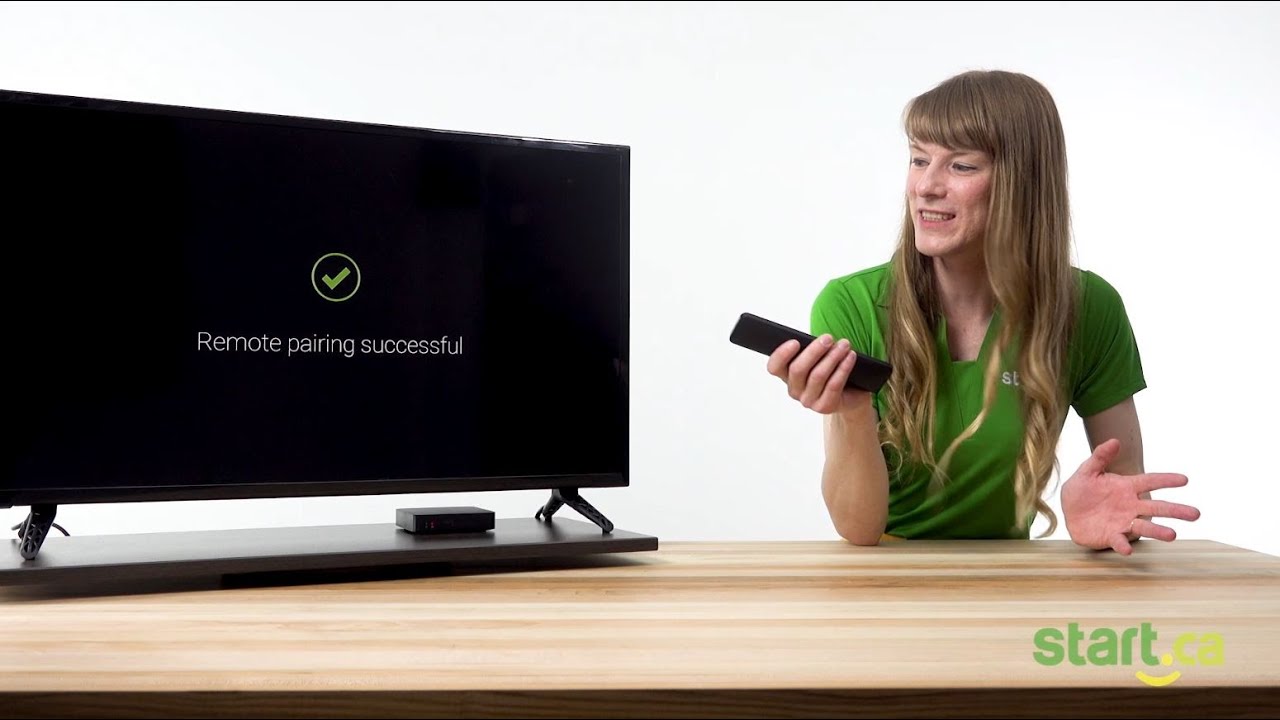
Setting up your Start TV Set-Top Box (STB)
In this video, you’ll learn the basic steps required to get your set-top box (STB) up and running. Emilia, from the Start.ca Customer Experience Group, is here to help guide you through the manual setup while providing some helpful tips along the way.
How to sign in and navigate
If you are new to the world of Start TV and need a little guidance, you have come to the right place! This video will show you how to sign into your Start TV account and navigate around using the Start TV user interface. Follow Jeff, from our Customer Experience Group, as he shows you how to get watching your favourite channels.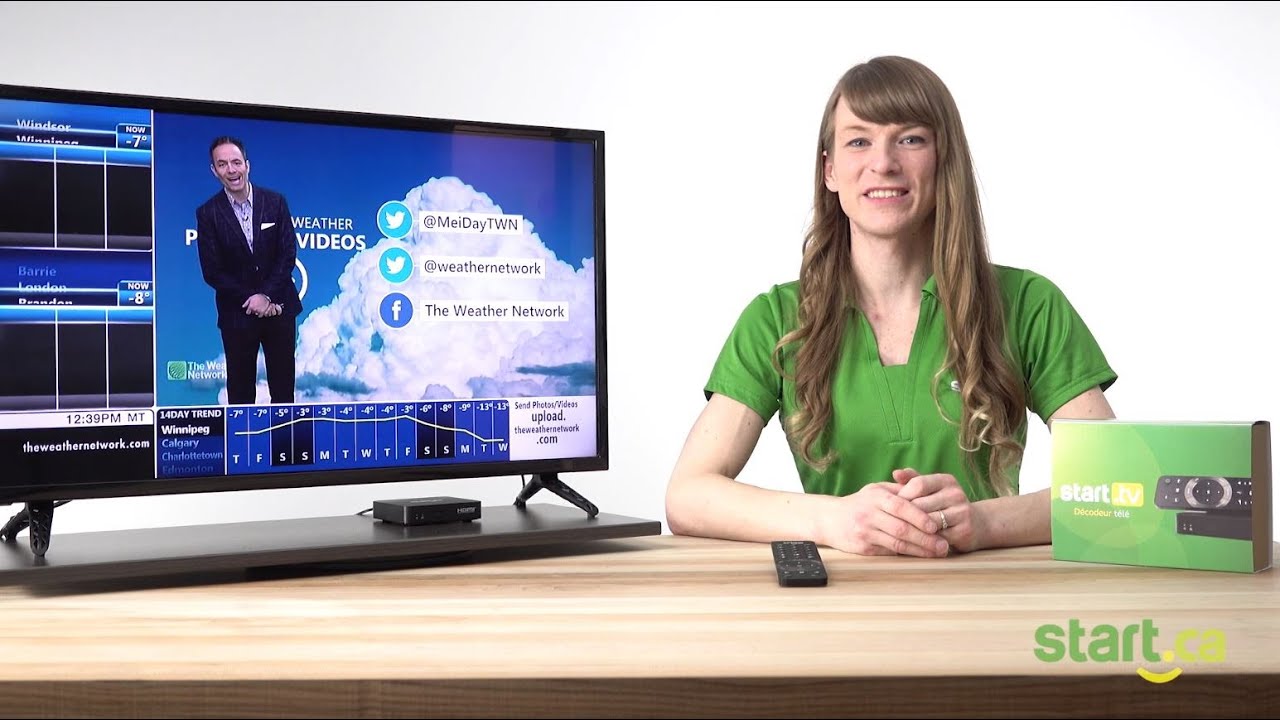
How to Set Up Closed Captions
Follow our Start TV expert, Emilia, as she shows you two fast and easy ways to turn closed captions on and off.
Unboxing Start TV
In this Start TV support video, Tom from our Service Desk will show you what to expect when you sign up for Start TV and receive the hardware.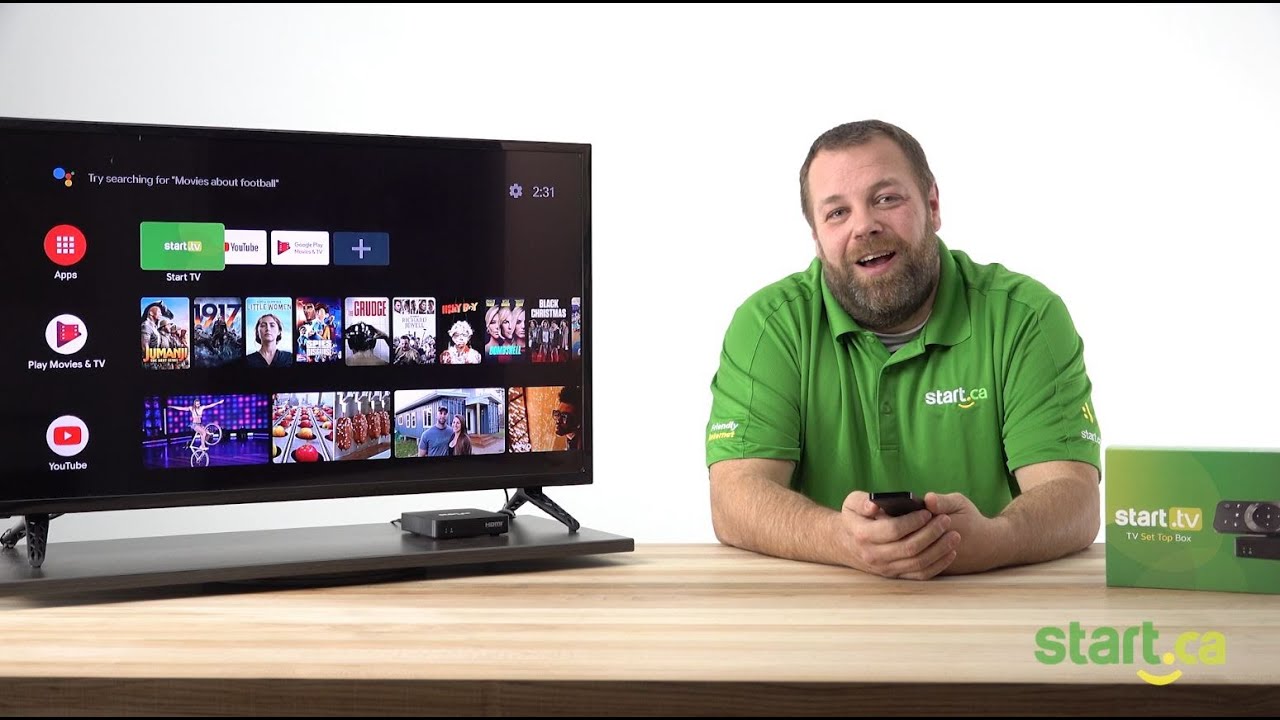
How to Install an App
Having all your favourite apps like Amazon Prime and Crave in one place makes navigating across platforms quick and easy. With this tutorial, we’ll show you how to add apps to your set-top box.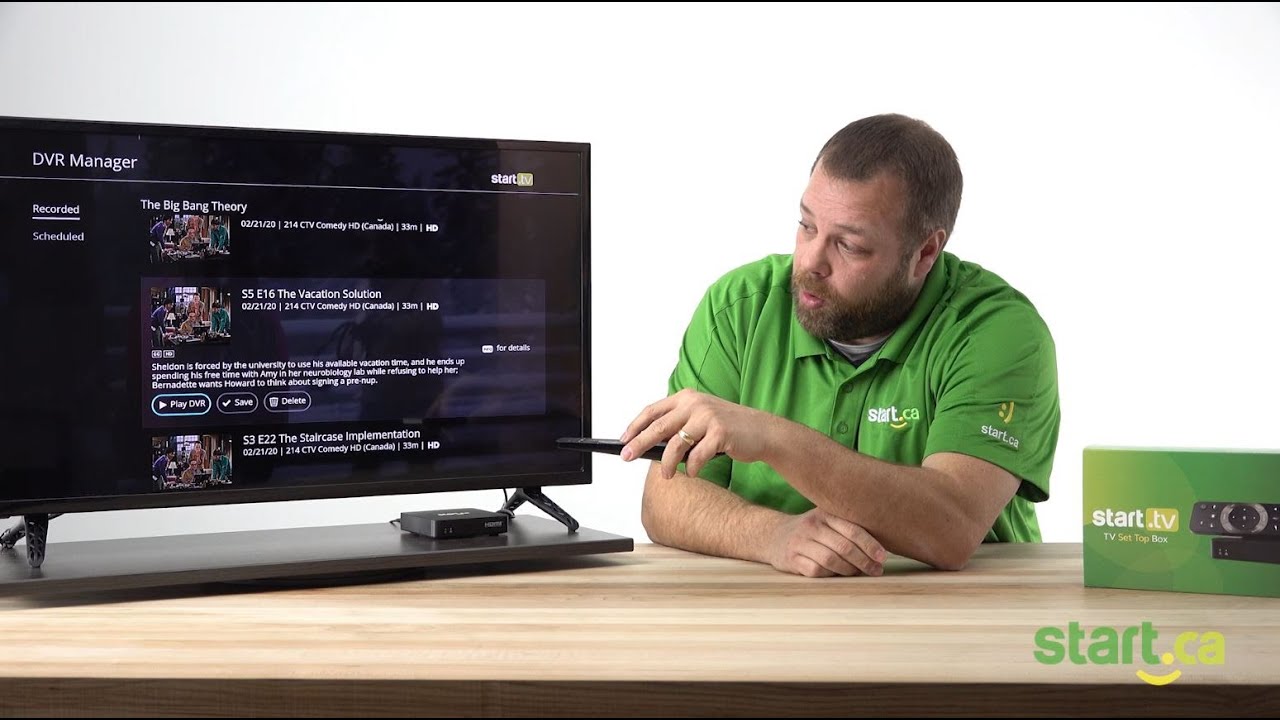
How to Play and Delete Recordings
Need space on your Start TV PVR but not sure how to delete your recordings? Or maybe you’re not sure how to watch your recordings for that matter? We can help with that. Follow Jeff, our Customer Experience Group Expert, as he explains how to play those PVR recordings and free up space.Quick links
Quick Links
Our support team may point you to these handy links to save some time typing while trouble-shooting.
Support Links
Start TV
Router Links
- Router login (Type 0; D-Link, TP-Link, Netgear) – 192.168.0.1
- Router login (Type 1; Linksys, Asus, SmartRG) – 192.168.1.1
- Router login (Type 2; Belkin) – 192.168.2.1
- Mercku router login
- Modem login
Firmware Downloads
- SmartRG 360N 2.5.0.14 Firmware
- SmartRG 501 2.6.1.3 Firmware
- SmartRG SR505N 2.6.2.5 Firmware
- SmartRG SR506N 2.6.2.5 Firmware
- Grandstream HT701 1.0.8.2 1-port ATA Firmware
- Grandstream HT702 1.0.8.2 2-port ATA Firmware
- Grandstream HT801 1.0.3.2 1-port ATA Firmware
- Grandstream HT802 1.0.3.2 2-port ATA Firmware
Default Configuration Files
- SmartRG SR10 2.4.2.9 ADSL Configuration
- SmartRG 360N 2.5.0.14 ADSL Configuration
- SmartRG 501 2.6.1.3 ADSL/VDSL Configuration
Home Phone
StartCARE
When should I use StartCARE?
StartCARE can help diagnose and resolve many common internet issues, including:
Slow speeds
Buffering video streams
Connection problems
Spotty Wi-Fi coverage
What can StartCARE do?
Scan your network
Scanning your network allows us to pinpoint and fix issues that could be affecting your service.
Troubleshoot
Find quick and easy solutions to internet issues that could be bogging down your network.
Router and Wi-Fi help
Allow a Start.ca Rep to access your router in order to optimize your Wi-Fi network.
Share real-time visuals
Easily share photos and live videos of equipment with a Start.ca Rep.
The friendly tech support app
See for yourself how easy it is to run scans, diagnose network issues, and get quick fixes.
How it works
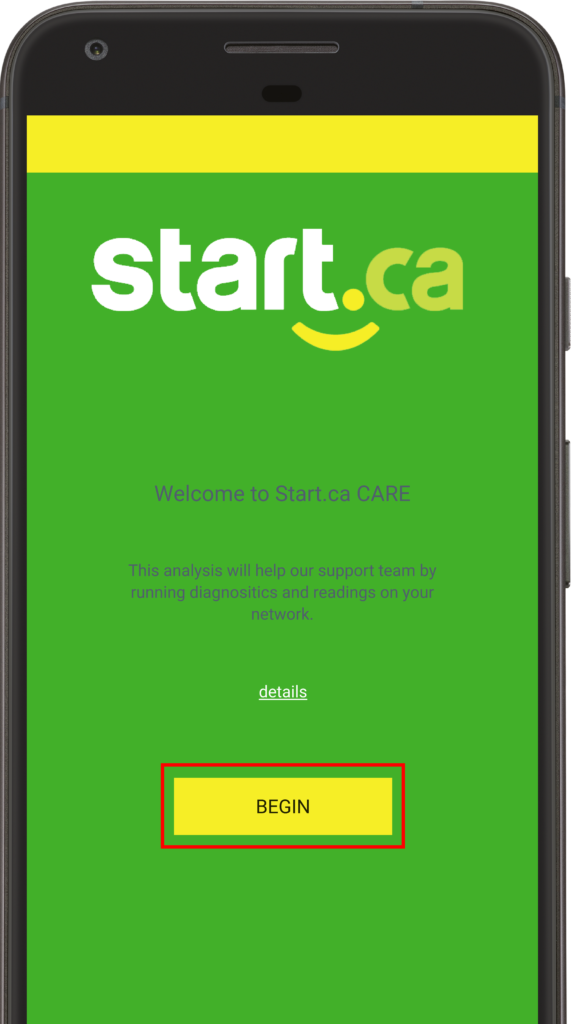
Step 1
Download the free StartCARE app on your device from the Apple App Store or Google Play Store.
Once installed, open the app and select Begin.
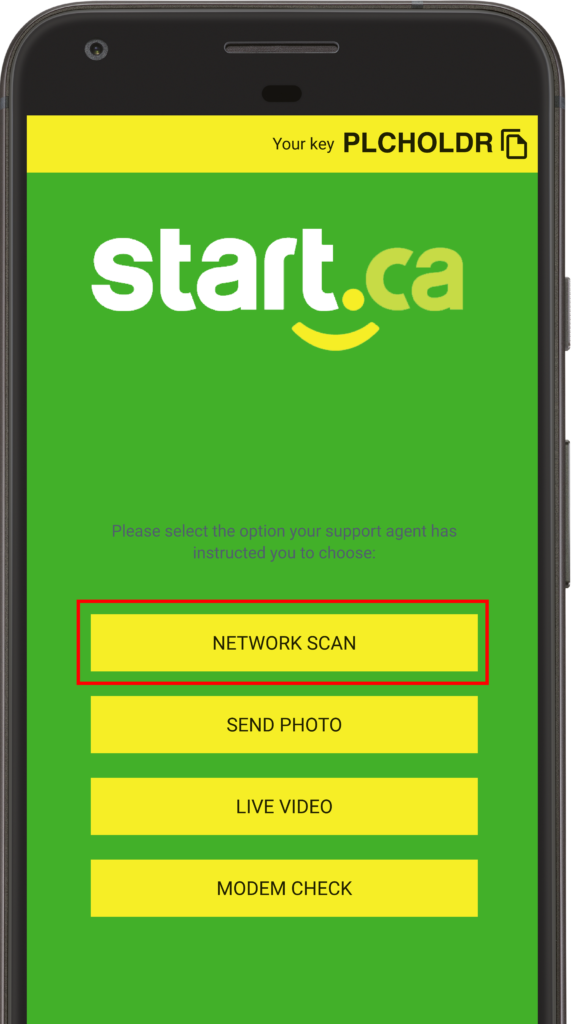
Step 2
Select Network Scan to start the diagnosis.
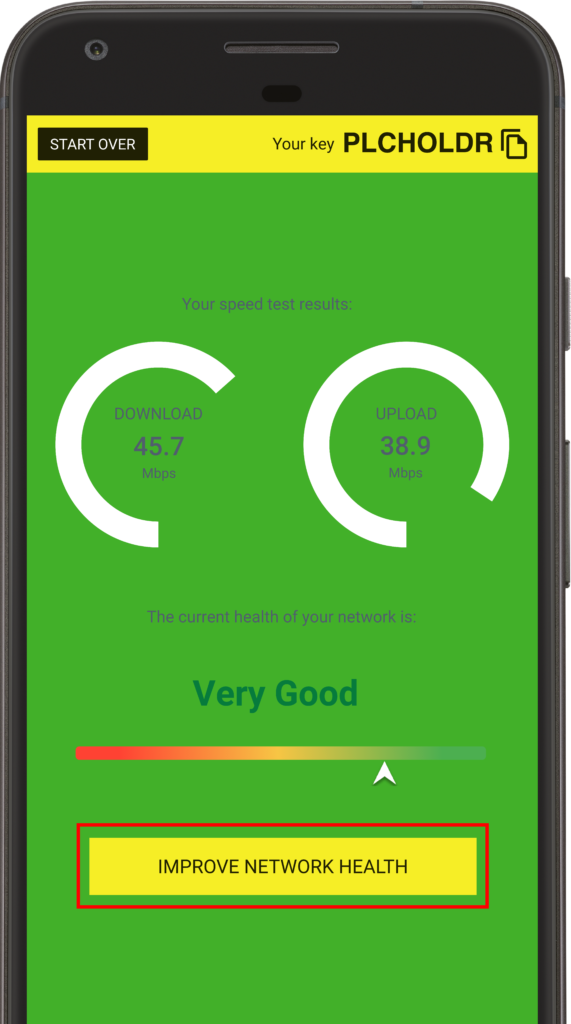
Step 3
When complete, the app will provide you with your current network statistics.
From there, select Improve Network Health.
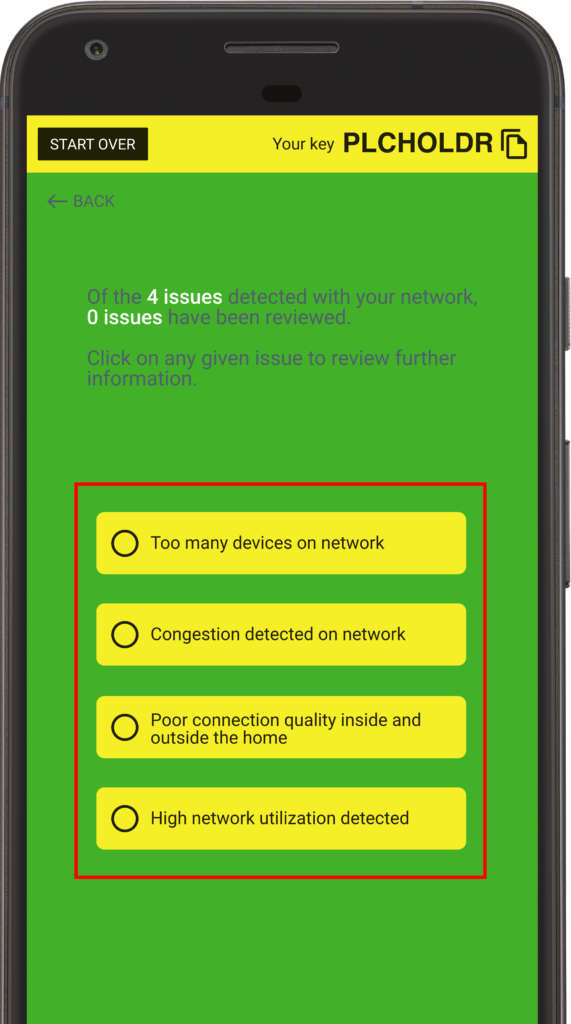
Step 4
You will be guided through recommended troubleshooting steps needed to resolve your connection issues.
Using this app didn’t solve your issues?
Call 1-866-434-5888 for assistance, now.
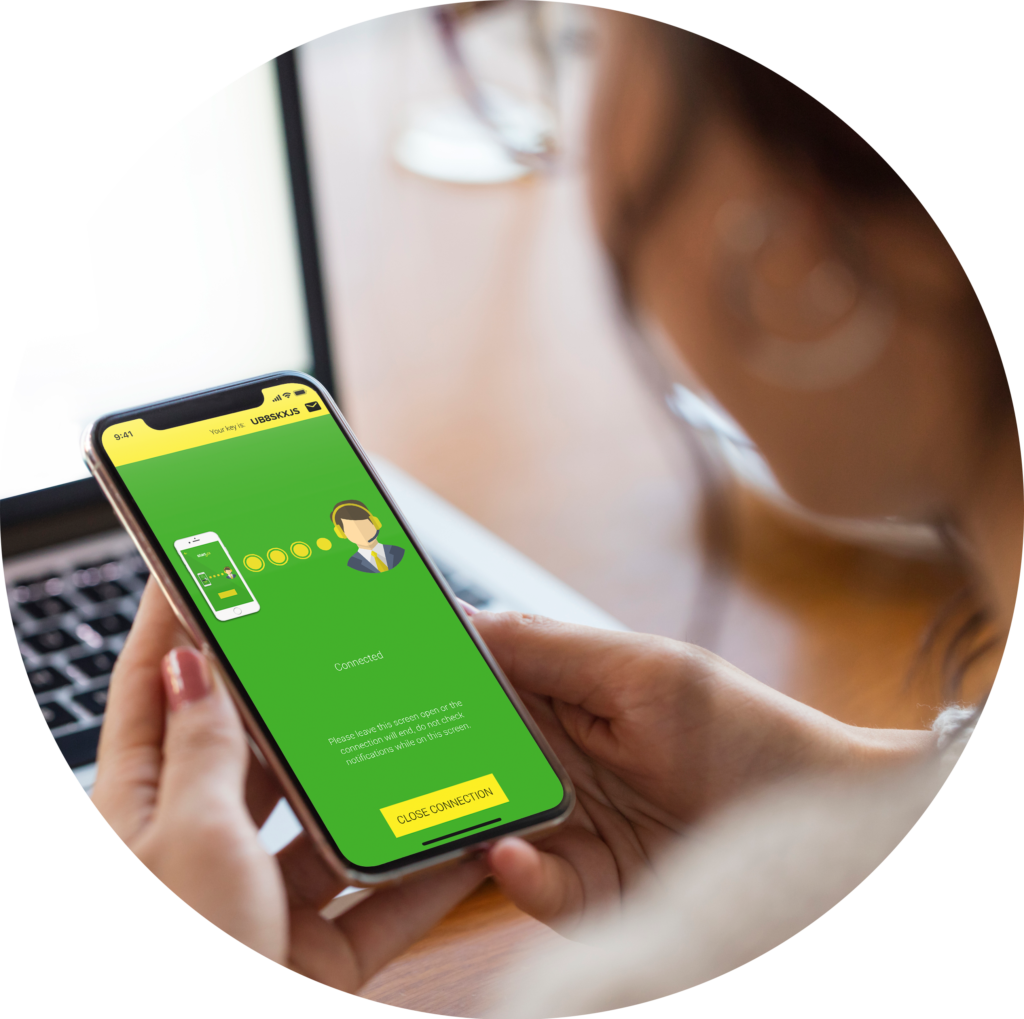
Be sure to have the key code from the right-hand corner of your screen ready to share and let us know that you’ve already run the StartCARE scan.
Your Customer Experience Representative will then be able to access real-time network data and visuals from the app.
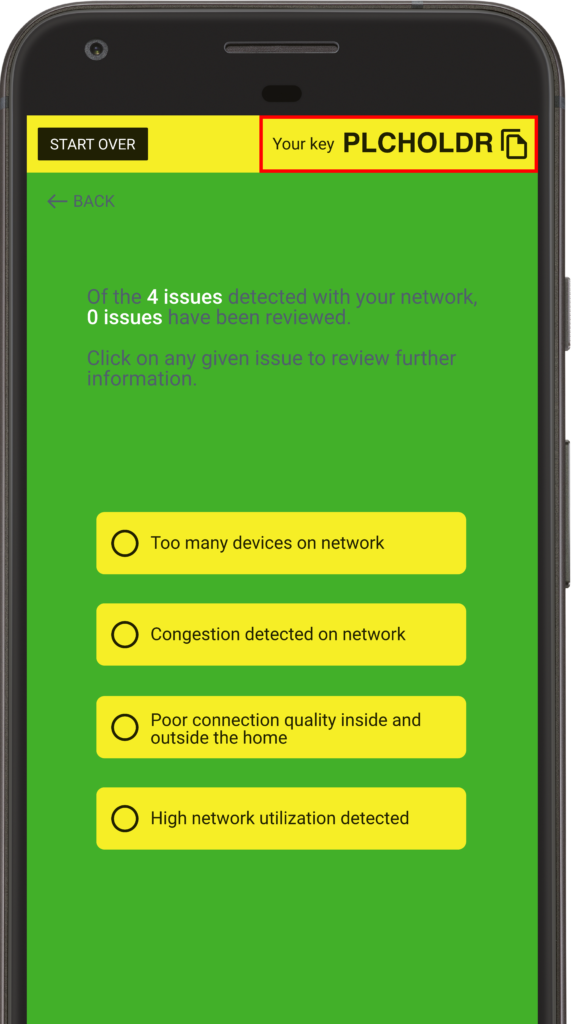

Download the app, today


911
Digital Voice Emergency 911
Our Digital Voice services use VoIP which has certain limitations relative to the Enhanced 911 service generally available on traditional land-line phone services.
As VoIP uses the internet to deliver service to the customer, any communication failures, such as power disruptions, internet connection outages, congestion or routing issues, modification of equipment or suspension of service, may prevent dialing to emergency services including 911.
Unlike traditional phone lines and Enhanced 911 which are tied to your physical address, our VoIP services are nomadic and therefore it is important that you update your address in our customer portal if you relocate your phone adapter. It may take up to 3 days for the initial activation or any subsequent updates of your address information to fully propagate throughout the 911 systems. Customers travelling outside of Canada with their phone adapter will not have access to 911 services.
When dialing 911 through VoIP services, the call may be routed to an intermediary emergency service operator to help ascertain the caller location information. The caller should be prepared to confirm or provide their current address and phone number so the call may be transferred to the appropriate emergency services personnel. If the caller is unable to speak, the operator may assume the call is from the last registered address which is why it is critical to ensure your address information is always current.
Due to the technical differences between the 911 services, there is a possibility that a VoIP 911 call could ring busy or take longer to answer as compared to a traditional 911 call placed from a fixed location. Callers to any emergency services should stay on the line until otherwise instructed and call back immediately if disconnected.
Customers should also inform any household residents, guests or other persons who may dial 911, of the nature and limitations of VoIP 911 services. Anyone uncomfortable with these differences should have an alternate means of accessing traditional 911 services or not subscribe to a VoIP based phone service.
Our services are provided “as is” and “as available” without any warranty or conditions of any kind.
Mental health crisis and suicide prevention services
As of July 16th, 2022 a 3 digit abbreviated dialing code (9-8-8) was implemented in the United States for mental health crisis and suicide prevention services.
At this time, a three digit number such as 9-8-8, is not yet available in Canada. If you require assistance, call the toll free number 1-833-456-4566, or text 45645 (available 4pm – Midnight ET), to connect with a responder.
For more information on Crisis Services Canada, visit crisisservicescanada.ca.
Number transfer
Your number stays with you
Keep your existing phone number with our free transfer offer.
*Valid for Ontario numbers only.
Back to phone packages
Important Information
When transferring a number it is important to note that you must not cancel your current phone provider before the transfer is 100% complete. If you cancel your service before the port is completed the transfer will fail and your number may be lost. Other errors such as an incorrect name or address will cause the transfer to fail so please double-check all information is correct.
Steps
1. Complete all of the information below
2. Confirm the details and submit the transfer request for processing
3. DO NOT CANCEL YOUR CURRENT PHONE PROVIDER BEFORE THE TRANSFER IS 100% COMPLETE
4. When you submit your phone port form, please make sure the Name and Address match the information on your phone bill, otherwise there can be delays
Dedicated internet

Power your business with forward-thinking Fibre technology.
We understand that your business has constant fluctuating demands. You are always considering financial management, keeping up with your market, and meeting the needs of your customers. You cannot afford slow speeds, high latency, and maxed out internet connections that are costing you money. You need an internet package that will work for you.
Find efficiency, security, and peace of mind with Start.ca Fibre business internet. Our Fibre internet solutions work at the speed of light and have future-proof internet technology that will help your business overcome whatever tomorrow brings.
Nothing is built like Fibre internet with Start.ca.
Fibre optic internet is the fastest internet service available, built on our own end-to-end network, and installed and supported by local technicians right here in London, Ontario. This leading technology gives you the bandwidth and speed your business needs for maximum productivity, as well as the scalability to meet your changing demands no matter how large you grow.
With Start.ca Fibre business internet, your data is carried by light pulses moving through a strand of lightweight optical Fibre, instead of the copper lines used in traditional internet service. As thin as a human hair, these strands of glass can carry digital information over impressively long distances without any speed degradation. This means you will consistently have a reliable connection that you can depend on.


Why Start.ca dedicated internet is the right move for your business.
Fibre is an optical system. This means that you are no longer at the mercy of mother nature. Since it doesn’t carry an electrical current, your connection won’t be affected by lightning storms and other weather systems, making it more reliable than any other type of internet service. Add the bandwidth and speed gains you get with Fibre internet, and you will quickly realize upgrading your connection to Fibre is a smart investment.
What can fibre internet do for your business?
Fibre technology has the power to help your business to thrive. Find out why Start.ca is a leader for London dedicated internet service providers. Learn more about Start.ca business Fibre in this video with our CEO Peter Rocca.
https://www.youtube.com/watch?v=FVR2Jjovkyo
Our Corporate Solutions team is here to help your business embrace the enterprise-level server hosting with the Start.ca data centre.
For any questions, information, or to get started, please submit the form below and one of our friendly Start.ca Corporate Solutions Reps will get back to you.
[hubspot type=form portal=14496235 id=e50a3af8-9f5b-48de-8f03-2dd599ca1e89]
Internet
-
What should I do if I’m having internet issues?
New! StartCare self-help mobile app, available on Google Play and the App Store.
If you’re experiencing slow speeds, excessive buffering, spotty Wi-Fi coverage, or other network issues, StartCare can help.
The app lets you run network scans from the comfort of your home, then provides you with step-by-step instructions on how to resolve any issues. It can also send real-time diagnostics and test results to our Customer Experience Team, allowing us to offer even more comprehensive support.
Learn more on our StartCare Page.
Using this app didn’t solve your issues?
Call 1-866-434-5888 for assistance during business hours.
Let us know that you’ve already run the StartCare scan and be sure to have the key code from the right-hand corner of your screen ready to share.
-
What’s the difference between a modem and a router?
To get connected to the internet, you need a modem. A modem creates the connection to your internet service provider (hopefully us!).
If you want to get multiple computers, smartphones, tablets and gaming consoles online then you’ll need a router. A router connects to the modem and shares its connection, giving your devices access to the internet.
-
Does my installation need an on-site visit?
Most cable service transfers don’t require a visit from a technician. However, if you’re setting up a new cable internet service, then a visit from a technician is needed.
-
Will I get an order confirmation?
Yes. We will send you an email (and call you) within 48 hours of when you sign up to confirm that everything for your order is scheduled and lined up for your internet service activation date.
-
Will you call before my internet installation date?
Yes! We will call and go over the details of your order, including the time and date of your installation or transfer.
-
When will I get my first bill?
Since we offer a “pay-as-you-go” system, your first payment is collected when you sign up with us, which includes your installation fee (if any), your first month of service, and any equipment fees.
-
How do nodes work together to create a mesh network?
Mercku’s system automatically connects your devices to the nodes with the clearest nearby signal. As you move around in your home, your device can seamlessly switch back and forth between nodes, giving you the strongest signal wherever you go.
-
What internet plan should I get?
This depends largely on two things: how many people will be using it, and for what. A household of two people may find one of our “light” packages is perfect, while a family of four (or more) is likely going to get the most of our heavy usage internet plans.
Need help deciding? Call us toll free at 1-866-434-5888 during business hours.
-
What does unlimited internet mean?
Unlimited internet refers to the amount of data you can download each month. Most of our internet service plans have no download limit, which means they also have no overage fees 🙂
-
How long does it take to switch my internet service to Start.ca?
We can generally get you up and running in 5-10 business days to switch to Start.ca, depending on what type of internet service you select and whether you’re transferring an existing service.
All packages include:
Sales & support
Our sales and support desk is here to help. You can reach us by phone, email or live chat.
No contracts
We provide our services on a month-to-month basis, no contract required. Accounts are billed on the 1st of the month for that month’s service.
Fair pricing
You can trust us to not surprise you with any unexpected fees. We believe in simple, friendly pricing.
How do I switch my internet provider?
Switching is easy. Sign up online or by phone, even before you contact your existing provider.
Sign up
Enter your address, choose a package and complete your sign up!
Say goodbye
Let your current provider know you’ve switched things up.*
Connect
On your installation or activation date, connect your Start.ca modem.
Get online!
That’s it. Time to go enjoy your new internet service!
*If it makes you feel better, you can tell them that it’s not them, it’s you.
Internet that’s friendly
We don’t like contracts. With us, you pay month-to-month and can make changes to your services whenever you need.


Who we are
Start.ca is a family of nearly 200 individuals based in London, Ontario, who share a common belief that telecommunications should be simple, friendly, and affordable. As our network of customers continues to grow, we are changing what internet service looks like in Ontario, one customer at a time.
Customer Feedback
Find out why our neighbours love us.

We’re here to answer your questions.
Check out our frequently asked questions and contact us if you still need help.